
FEATURE 01
MOD games
Explore community-listed game modifications, with listing descriptions that can help you understand the changes users have submitted.
HappyMod 2027 is a community-driven place to discover Android apps, games, and user-submitted MOD experiences—with reviews, version details, and tools to help you explore.
Android APK · Version 3.5.1 · Review the safety notes before installing
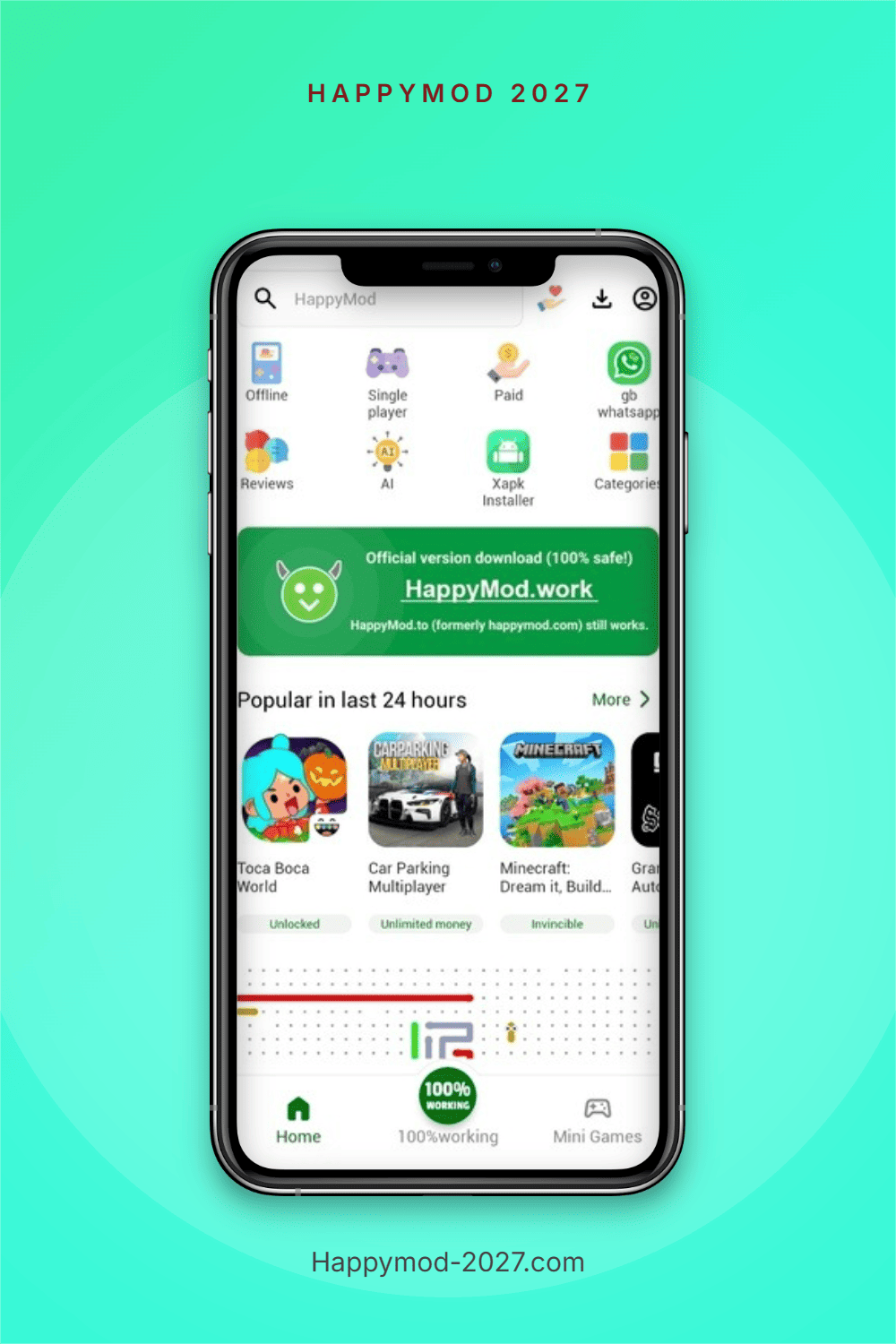
HappyMod is a third-party Android app and game sharing community. Users submit modified apps and experience-enhancing packages; other users can browse versions and community feedback. It is best understood as a decentralized discovery and testing platform—not a replacement for an app developer or an official store.
HappyMod's interface brings discovery, community signals, and package management together. Availability and functionality can vary by app, device, and version.
Explore community-listed game modifications, with listing descriptions that can help you understand the changes users have submitted.
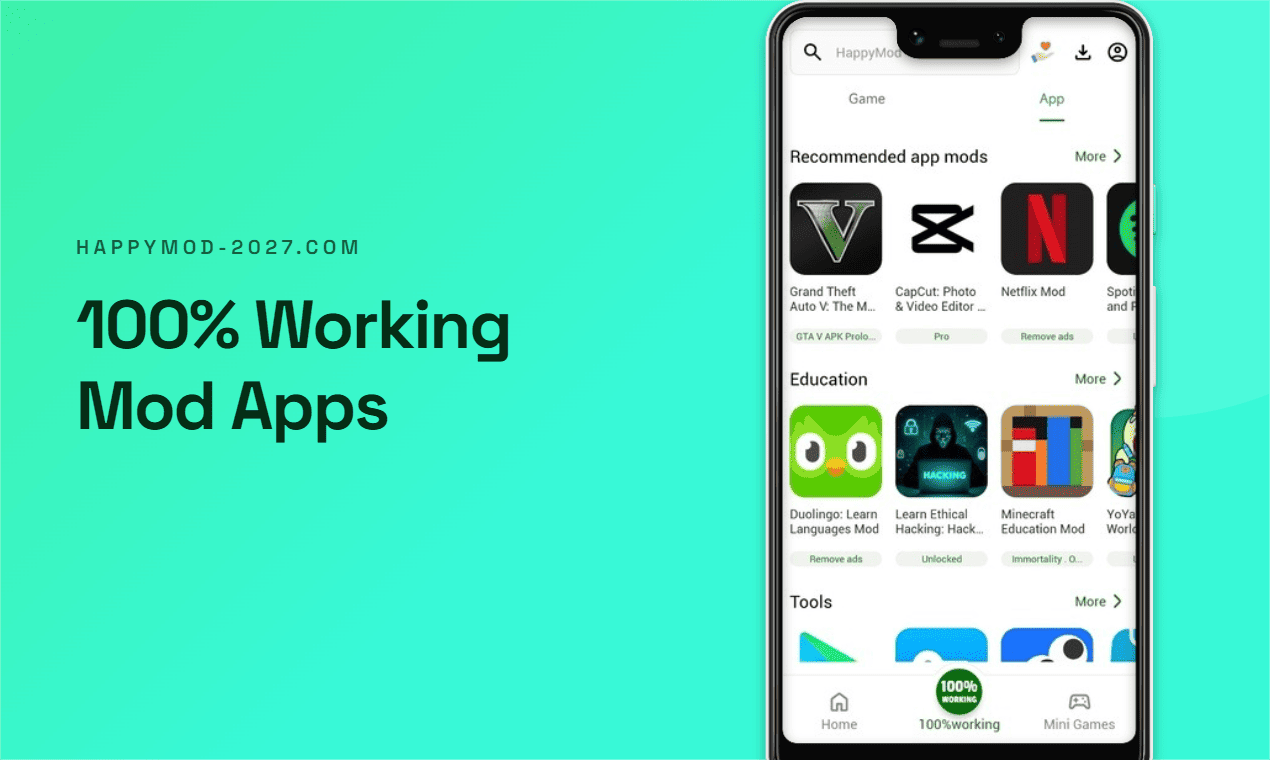
Discover modified app listings across different categories and review the details before deciding whether to try one.

Find a collection of lightweight games for a quick break, without needing to search through the full catalog.

Search for a title and scan related results, ratings, and MOD labels to narrow down what you are looking for.

Browse popular and trending listings for ideas, while remembering that popularity is not a guarantee of safety or quality.
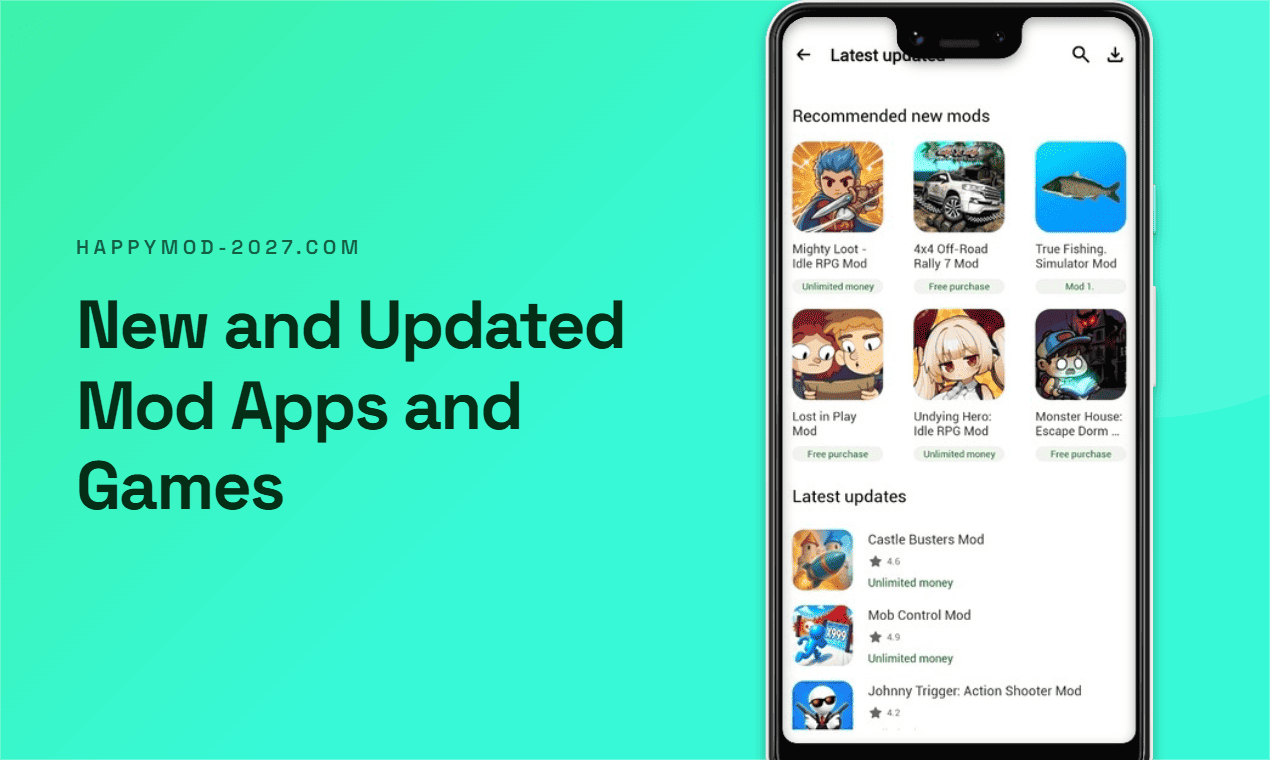
See recently added listings and version updates, then check compatibility and release information for your device.

Some entries include community testing feedback. Reports are user-submitted and should not be treated as a security certification.

Read user experiences and ratings for additional context; comments can be subjective, outdated, or unverified.
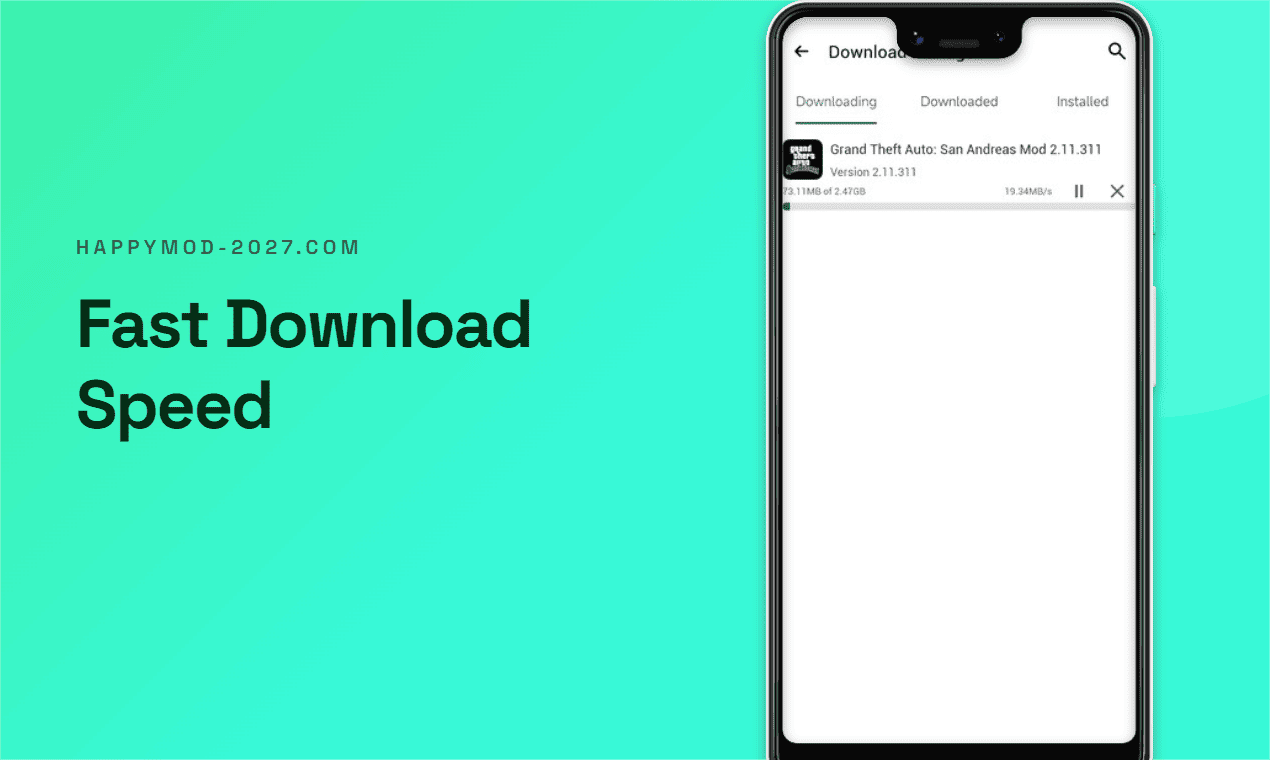
Track package downloads and their progress in one interface. Actual speed depends on your connection and file host.
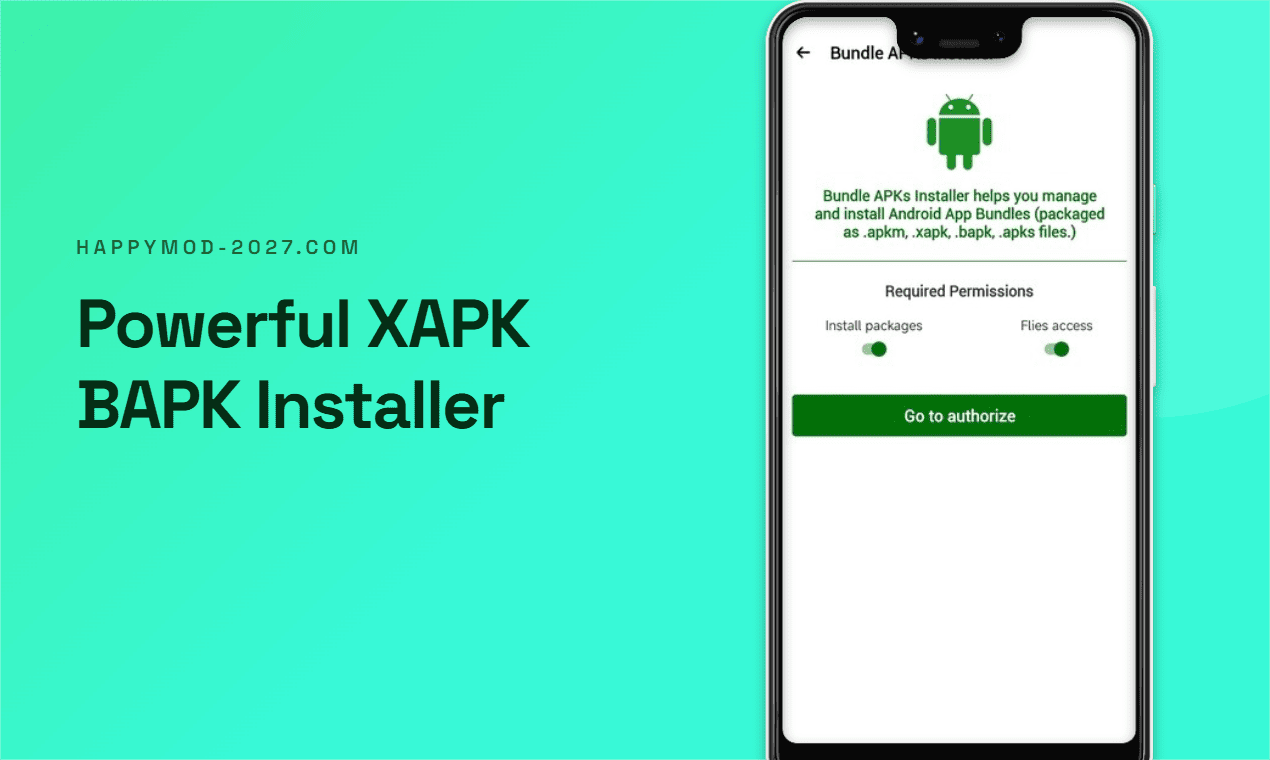
Installer tools may help manage supported APK bundles such as XAPK or other split packages; required permissions vary.
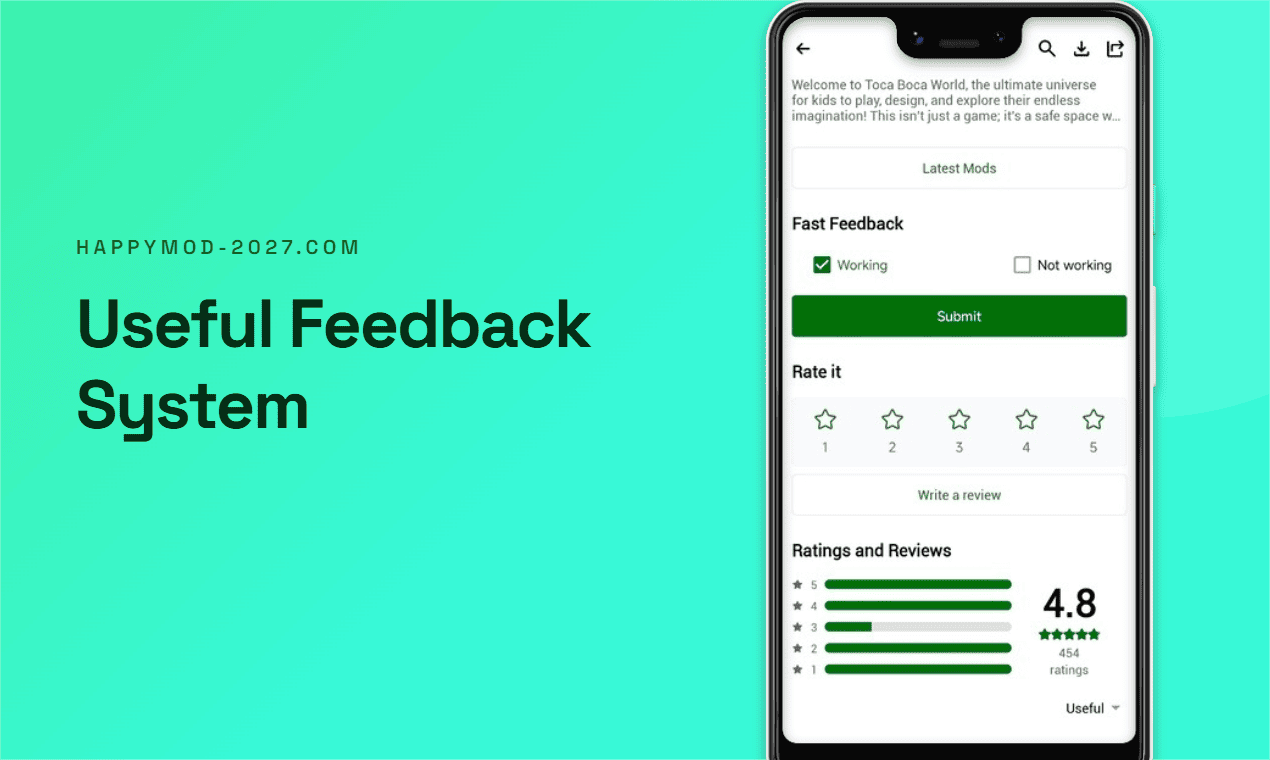
Share whether a listed package worked on your setup, helping other users interpret compatibility reports.
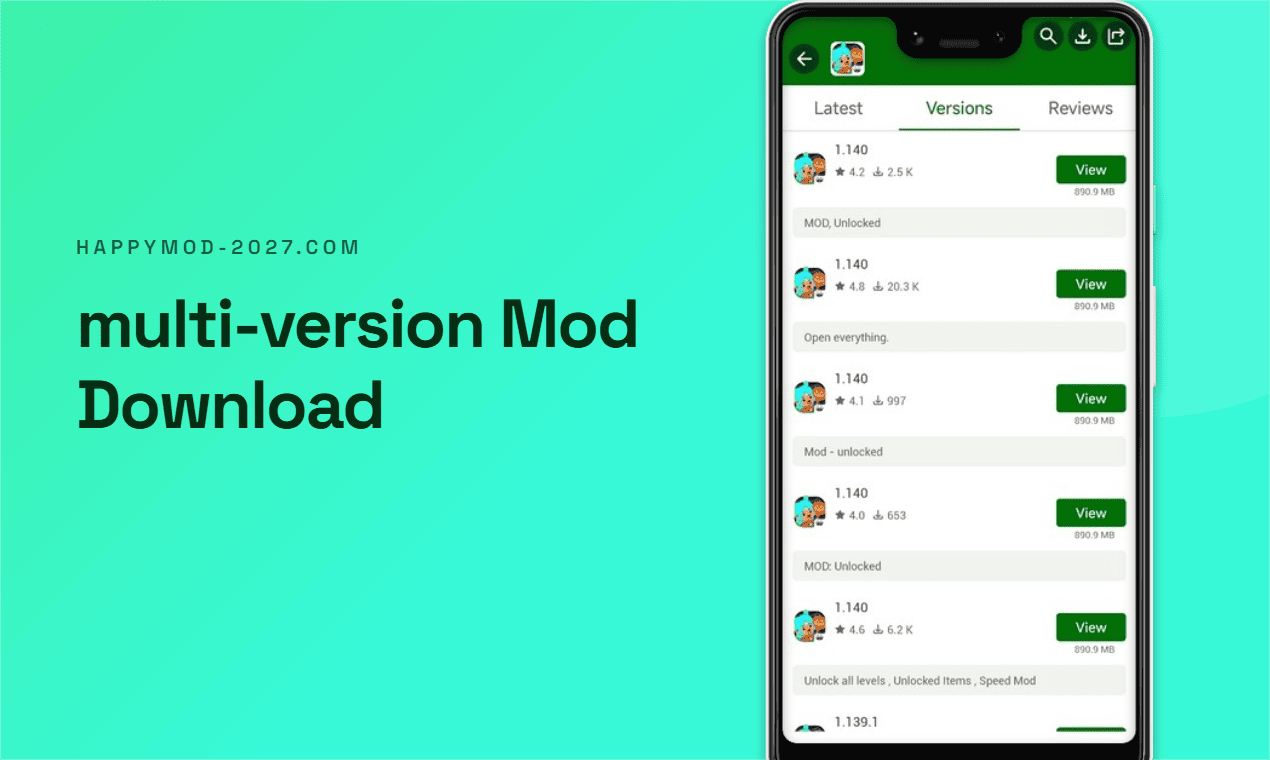
Compare available versions and their community descriptions. Older releases may have different features or risks.
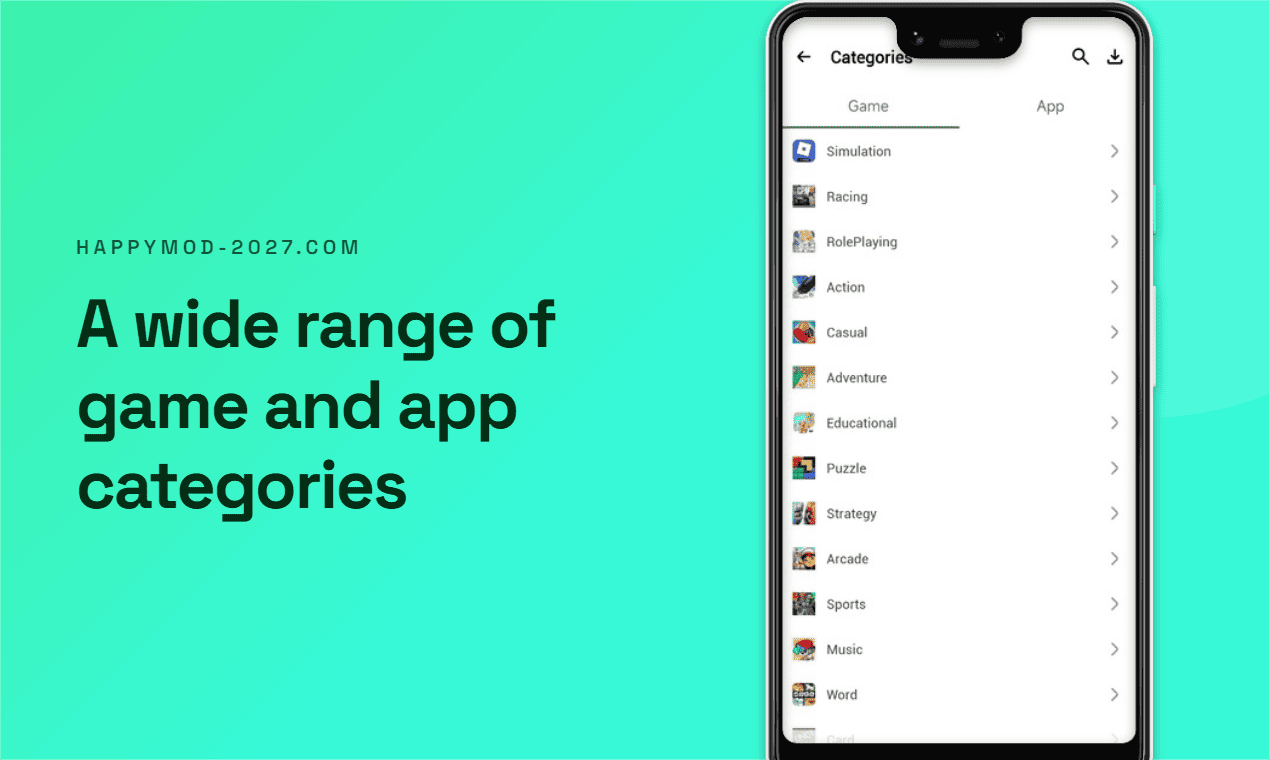
Browse genre and topic groupings—from simulation and racing to tools and education—to discover related listings.
HappyMod's APK is designed for Android. Be cautious of websites or downloads claiming to offer an official iPhone app or a Windows installer.
Install the APK on a compatible Android device. Android may ask you to allow installation from your browser or file manager.
There is no official HappyMod iOS app. Pages or apps claiming otherwise are not official and may pose a serious security or privacy risk.
There is no official HappyMod .exe. On a PC, an Android emulator can run Android APKs, but compatibility and safety are not guaranteed.
| Consideration | HappyMod | Google Play |
|---|---|---|
| Platform role | Third-party community sharing platform | Official Android app distribution store |
| Typical listings | User-submitted MOD packages and app versions | Apps published by developers and authorized publishers |
| Review and controls | Community feedback; submitted packages may carry unknown risks | Store policies and platform security checks; no system is risk-free |
| Updates and support | Depends on the individual uploader and listing | Usually managed by the app's publisher through the store |
| Best suited to | Android users who understand third-party APK risks | Everyday installs, official releases, and developer-supported updates |
Only continue if you understand the risks of installing third-party packages. Menu names may differ between Android versions.
Use the download button on this page and wait for the APK file to finish downloading. Verify the source and file before opening it.
If Android blocks the install, open Settings when prompted and allow your browser or file manager to Install unknown apps. Turn this permission off again afterward.
Open the APK, review the requested permissions, and install only if they make sense to you. If anything seems unusual, cancel and delete the file.
View the full download guide, VirusTotal details, and installation FAQ →
HappyMod may provide scanning or community testing mechanisms, but third-party modified APK/XAPK files can still contain unknown security risks. A listing marked tested or working is not a security guarantee. Use a sandbox or separate test environment and trusted security software. Avoid signing in or sharing personal, financial, or other sensitive data inside MOD apps.
Resources may be uploaded by third parties and could affect original developers' copyrights or violate an app's terms of service. Review applicable laws and the developer's terms before use. Respect creators' rights, and support official apps and services whenever possible.
Understand what HappyMod is—and what it is not—before you download.
HappyMod is a third-party Android app and game sharing community where users submit MOD versions and related packages. Listings, descriptions, and feedback are community-provided, not official endorsements by the original app developers.
No. HappyMod is a third-party platform, and its APK is not distributed as an official Google Play app. Installing apps from outside an official store involves additional risk.
No official HappyMod iOS app exists. Be wary of websites, profiles, or apps claiming to provide one; they are not official and may present significant security and privacy risks.
There is no official Windows .exe version. A PC user may try an Android emulator and install the Android APK inside it, but emulator compatibility can vary and does not remove the risks of third-party packages.
No. User reviews, scans, and test labels cannot guarantee that a package is safe, current, compatible, or free of unwanted changes. Check permissions, use security tools, and do not enter sensitive information.
Android warns about apps installed from outside trusted app stores because they may not receive the same distribution safeguards. Proceed only if you trust the source and have checked the file; you can cancel if unsure.
HappyMod focuses on community-submitted third-party MOD packages. Google Play is an official distribution channel where developers publish and update their apps under store policies. For official releases and developer support, prefer Google Play when available.
Check the listing's version and device requirements, read recent feedback, and avoid installing additional files from unknown sources to "fix" it. Uninstall the package if it behaves unexpectedly.
Yes. Using modified apps may breach a game's or service's terms and could lead to restrictions, data loss, or account suspension. Review the developer's rules and avoid using MODs with accounts you value.
Download the APK only if you're comfortable with third-party app risks.